
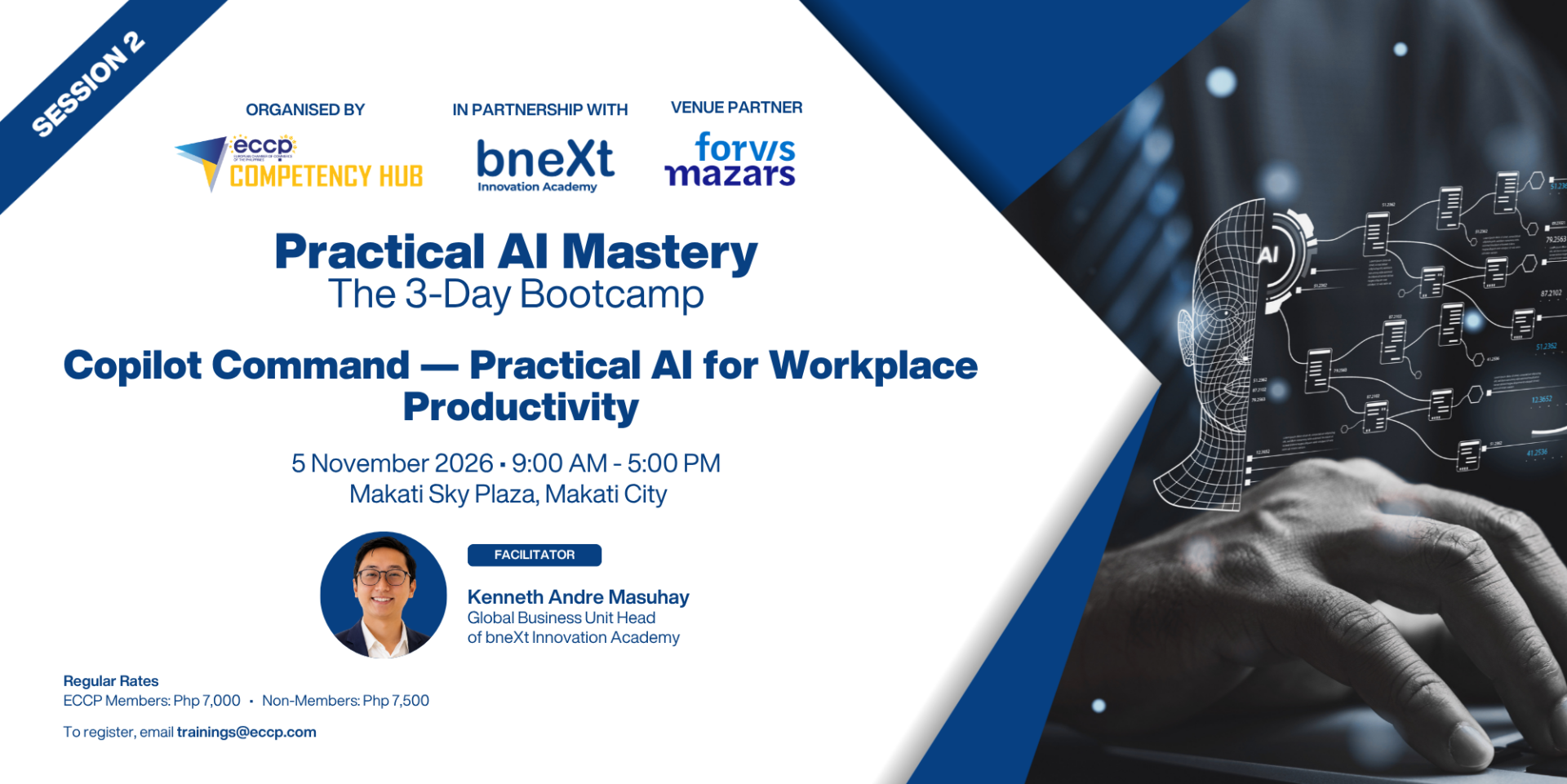
Copilot Command — Practical AI for Workplace Productivity
Copilot Command focuses on using Microsoft Copilot as a workplace productivity companion across practical Microsoft 365 scenarios. Participants will learn how Copilot can assist in drafting emails, preparing documents, generating presentations, supporting meetings, organizing information, and improving day-to-day productivity. The course is fundamentals-based but highly applied, helping participants understand how to use Copilot responsibly and effectively in common workplace workflows.
Course Objectives:
By the end of this course, participants will be able to:
• Explain the role of Microsoft Copilot in improving workplace productivity.
• Use practical prompts to support Microsoft 365-based work tasks.
• Apply Copilot-assisted workflows for email, documents, presentations, meetings, and analysis.
• Improve communication, organization, and task execution using AI-supported productivity techniques.
• Apply responsible AI practices when working with workplace information and AI-generated outputs.
Course Modules:
Module 1: Introduction to Microsoft Copilot and Workplace AI
• Overview of Microsoft Copilot and its productivity role
• How Copilot supports common workplace tasks
• Practical use cases across communication, documentation, meetings, and analysis
• Responsible AI, privacy awareness, and output checking
Module 2: Prompting for Microsoft 365 Productivity
• Writing prompts for clear workplace outputs
• Using context, audience, tone, and desired format
• Refining Copilot outputs through follow-up prompts
• Creating prompt patterns for recurring business tasks
Module 3: Copilot for Communication and Documents
• Drafting and improving professional emails
• Creating and organizing business documents
• Turning notes or ideas into structured content
• Improving clarity, tone, and executive readiness of written outputs
Module 4: Copilot for Meetings, Presentations, and Analysis
• Preparing meeting summaries, follow-ups, and action items
• Developing presentation outlines and slide narratives
• Supporting spreadsheet-based interpretation and analysis
• Organizing information for faster understanding and decision support
Module 5: Workplace Productivity Workflow Workshop
• Creating practical Copilot workflows for daily work
• Applying Copilot to common department or team scenarios
• Identifying suitable AI use cases and governance considerations
• Building a practical action plan for AI-enabled productivity
- Invoices will be sent to the registered email address.
- Full payment is required 5 working days before the event schedule. Please send your proof of payment to trainings@eccp.com and accounting@eccp.com.
- No shows and late cancellations will be billed at full cost. Cancellations should be made 5 working days before the event. Replacement is encouraged.
- The ECCP reserves the right to reschedule or cancel this training program. To those attendees who will be arranging travel logistics (flights and hotel), please email us first to confirm if the event is pushing through.
For registration inquiries, please contact Sam Aguirre at sam.aguirre@eccp.com.